
Video instruction
Text instruction

Register Your Test
Before you start, you need to register your test-ID. Your test kit contains a sticker with your unique test-ID. If you need help creating an account, you can check our guide.
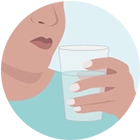
Rinse Your Mouth
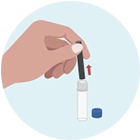
Open The Test Tube
Open one of the test tubes and get one of the straws that are included in the kit.
Note: The first sample should be taken as soon as you wake up.
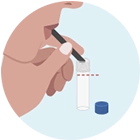
Collect Sample
Use the funnel to transfer your saliva into the test tube. Make sure that the tube is filled.
Note: A few bubbles in the saliva are no problem.
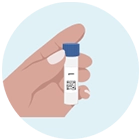
Put The Test-ID Sticker On The Tube
Put the sticker labeled “1” and your unique test-ID on the first test tube and seal.
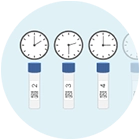
Repeat With The Other Test Tubes
Repeat the procedure with the other 6 test tubes:
2 - 30 min after you wake up
3 - 1h after you wake up
4 - 2h after you wake up
5 - 5h after you wake up
6 - 8h after you wake up
7 - 12h after you wake up

Sending Sample
Put the tubes in the provided envelope and send it.
Note: Send your sample at the beginning of the week (preferably Monday or Tuesday) to avoid delays. Keep the sample refrigerated until sending.
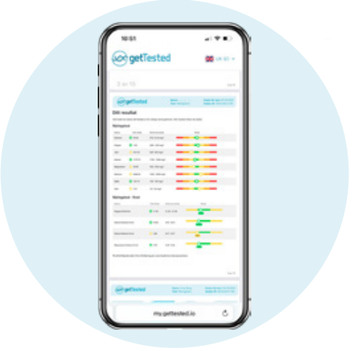
Wait 10-15 Business Days For Results
Results are usually available 10–15 business days after we receive your sample.
As soon as your results are ready, we'll notify you by email and text message. Your results will then be available to view in your my.gettested.io account.