
Video instruction
Text instruction

Register Test-ID
Before you start, you need to register your test-ID. Your test kit contains a sticker with your unique test-ID. If you need help creating an account, you can check our guide.
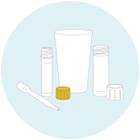
Open Test Tube
Open the test tube and place it on a flat surface. Make sure the tube doesn’t fall.
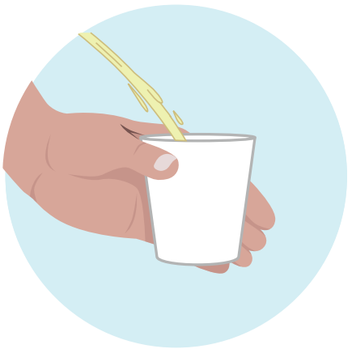
Collect Morning Urine
Collect your first morning urine in the provided cup. This sample is the most concentrated and provides the best results.
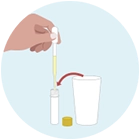
Fill Test Tube
Use the pipette to extract urine from the cup, then push the urine out into the test tube. Make sure the entire tube is filled. Seal it carefully.
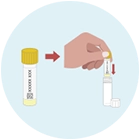
Put Test-ID Sticker On The Tube
Put the sticker with your unique test-ID on the test tube.
Place the test tube inside the transport tube and seal.
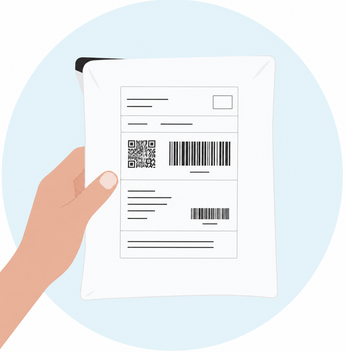
Sending Sample
Put the tube in the provided envelope and send it.
Note: Send your sample at the beginning of the week (preferably Monday or Tuesday) to avoid delays. Keep the sample refrigerated until sending.
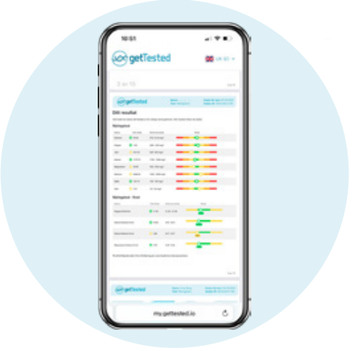
Wait 10-15 Business Days For Results
Results are usually available 10–15 business days after we receive your sample.
As soon as your results are ready, we'll notify you by email and text message. Your results will then be available to view in your my.gettested.io account.