
Video instruction
Text instruction

Register Test-ID
Before you start, you need to register your test-ID. Your test kit contains a sticker with your unique test-ID. If you need help creating an account, you can check our guide.
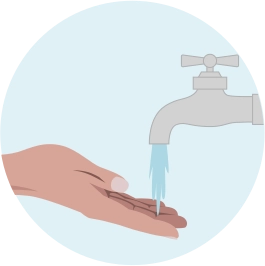
Wash Hands
Wash your hands in warm water and massage your hand to increse blood flow. Dry your hands.
Shake your hands to get the blood flowing.
Note: Doing a blood test without stimulating blood circulation might prove difficult, so please do not skip this step!
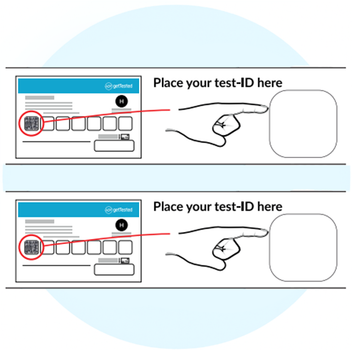
Attach Test-ID On Both Strips
Grab both QR codes from the Test-ID card and place it in the designated area on each of the two test strips.
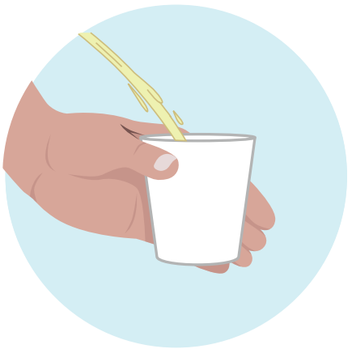
Collect Morning Urine
Collect your first morning urine in the provided cup. This sample is the most concentrated and provides the best results.
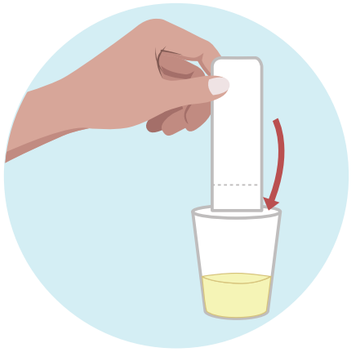
Dip Test Strips In The Urine
Dip both test strips in urine for 5 seconds each.
Collect sample below the perforation line.
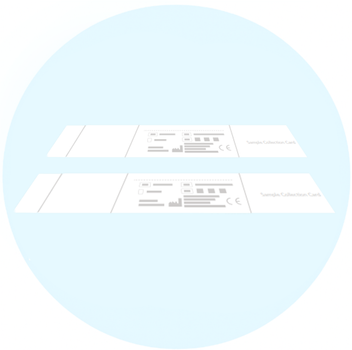
Let Strips Dry
Let dry for at least one hour. They should be completely dry.
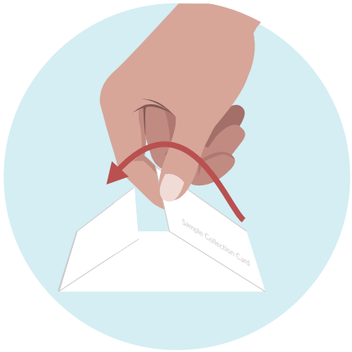
Fold Paper
Fold the paper sample as pictured.
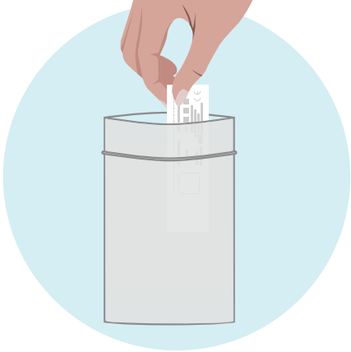
Place Strip In Foil Pouch
Put the test strips into the provided silver foil pouch.
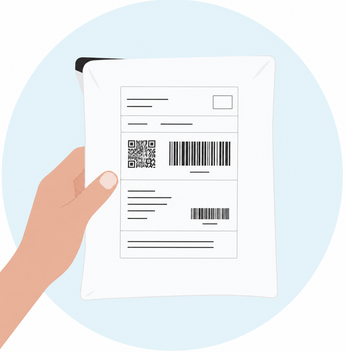
Sending Sample
Put the sample in the provided envelope and send it.
Note: Send your sample at the beginning of the week (preferably Monday or Tuesday) to avoid delays. Keep the sample refrigerated until sending.
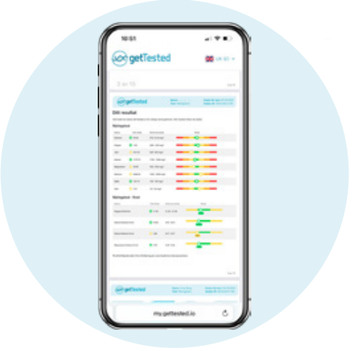
Wait 10-15 Business Days For Results
Results are usually available 10–15 business days after we receive your sample.
As soon as your results are ready, we'll notify you by email and text message. Your results will then be available to view in your my.gettested.io account.